Examples gallery
Browse example folder on MyBinder:

Browse example folder on Google Colab:

New to Speasy? Start with the archive you want data from in First steps per archive, then move on to Working with data to see what you can do with the products you fetched.
First steps per archive
Each of these notebooks shows how to browse one archive’s inventory and fetch your first product from it:
First steps per archive
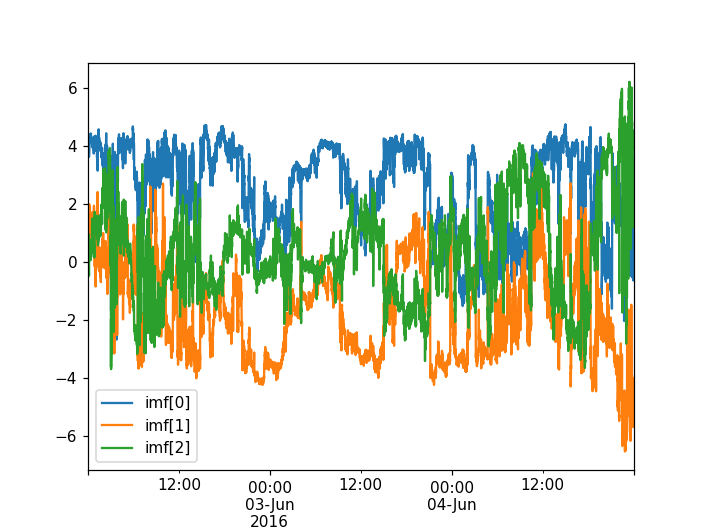



AMDA — fetch time series from the AMDA web service (a good very-first notebook).
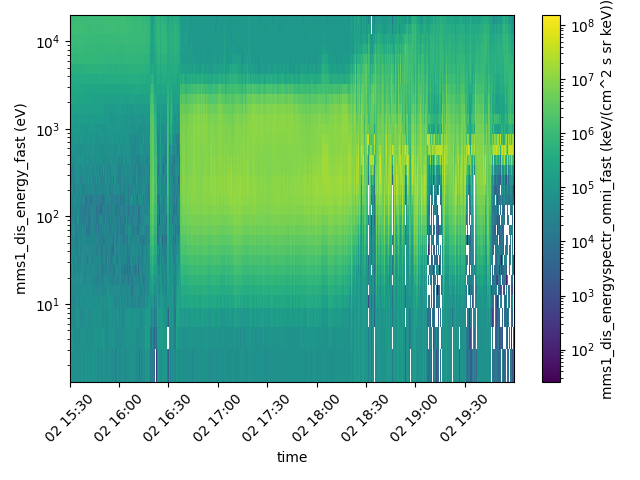
CDAWeb — browse NASA’s CDAWeb inventory and plot its variables.
CSA — get Cluster and Double Star data from ESA’s Cluster Science Archive.
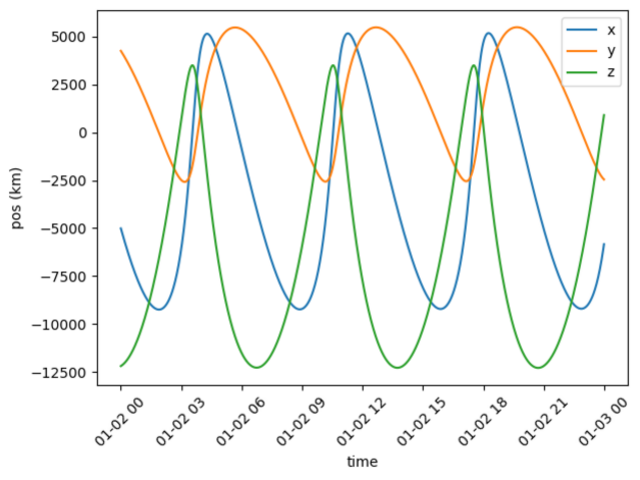
SSCWeb — fetch spacecraft and body trajectories from NASA’s SSCWeb.
Cdpp3dView — planet and spacecraft trajectories from CDPP 3DView (disabled by default, see the notebook).
GenericArchive — point Speasy at your own archive of CDF files with a small YAML description.
Working with data
Once you can fetch data, these notebooks show Speasy’s product types and analysis features:
Working with data


CatalogsAndTimeTables — beyond time series: catalogs, timetables and whole datasets.
Resampling — resample and interpolate variables onto a common time grid.
Filtering — apply scipy filters directly to Speasy variables.
CompleteDemo — a longer tour combining several archives and product types.
Science reproductions and advanced examples
Full analyses reproducing published results; they assume you are already comfortable with the basics:
Science reproductions and advanced examples
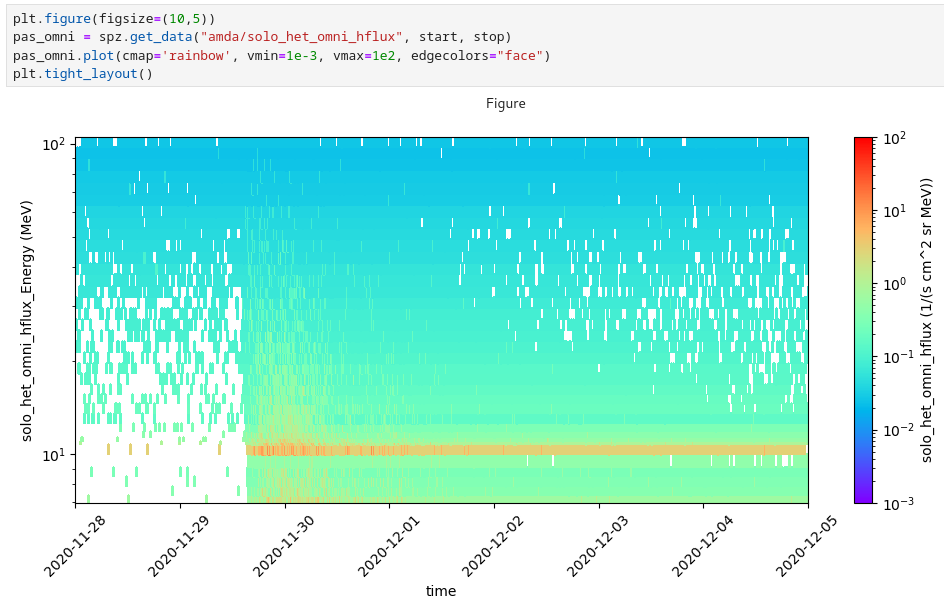

solo_epd — Solar Orbiter EPD/HET energetic particle fluxes.
alfvenic — reproduction of the Alfvenic slow solar wind analysis from Louarn et al., 2021.
Internals
Internals
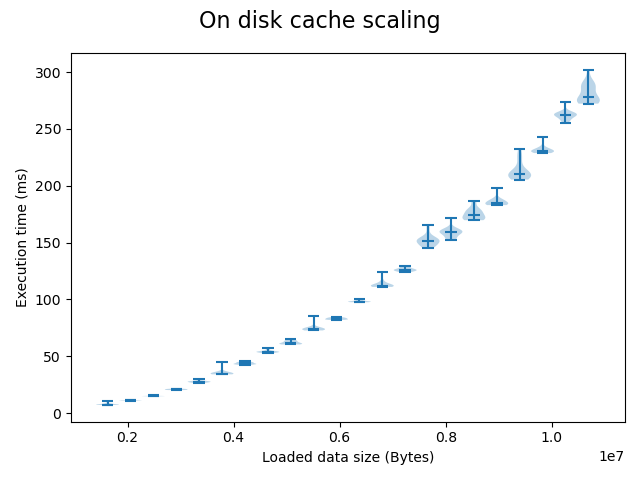
Caches — how Speasy’s local and remote caches perform (a benchmarking notebook, not needed for normal use).